
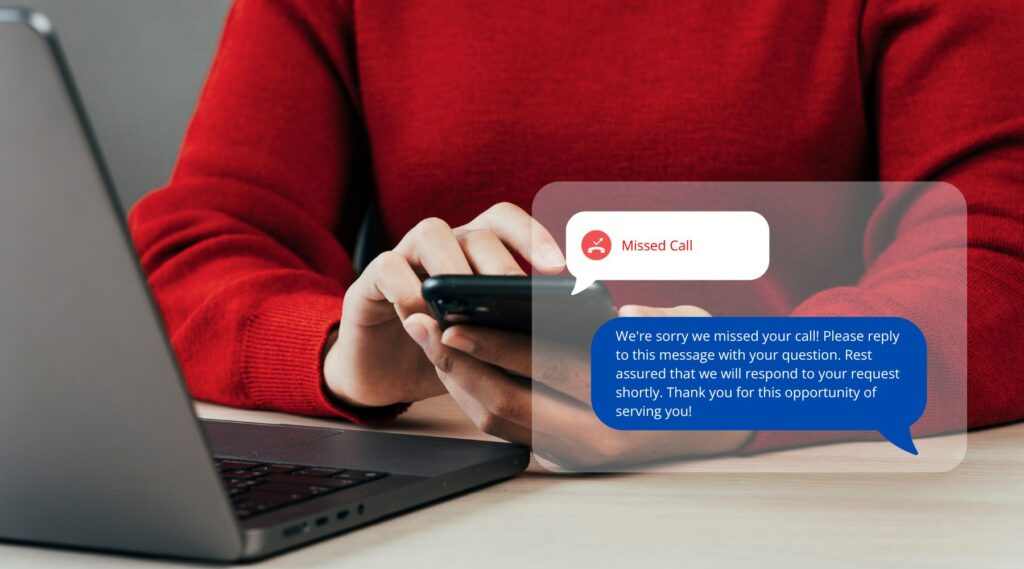
Yes, you can usually text enable a business landline number without changing the number your customers already know. A texting provider either hosts SMS on your existing number while your phone company keeps handling voice, or you move the number to a provider that handles both. Once texting works on the main number, missed call text back can reply from the same number the customer just dialed.
That last point matters more than most business owners expect. If a customer calls your office line and gets a text from an unfamiliar mobile number, many will ignore it or assume it’s spam. This guide covers the technical side: how to get texting working on the number you already advertise, what registration is required, and how to set up missed call text back so it is reliable.
Why the Texting Number Should Match the Number They Called
Your business number is printed on your website, Google Business Profile, vehicles, invoices and signs. Customers save it in their phones. When the reply comes from that same number:
- The customer recognises it immediately and is more likely to read and answer.
- Replies and calls go back to one number, so conversations aren’t split across lines.
- Your number stays consistent everywhere, which also keeps your business listings tidy (see our post on NAP consistency).
Sending replies from a separate texting number is possible, but treat it as a fallback, not the goal.
Three Ways to Text Enable a Business Landline
1. Hosted SMS on your existing number
With hosted SMS (sometimes called text enabling or SMS hosting), your current phone company keeps your voice service and a texting provider takes over only the text messaging for that number. You keep your phones, your plan and your number. Texts arrive in a web dashboard or app instead of on the desk phone.
What you’ll need: proof that you control the number, usually a signed letter of authorisation and a recent phone bill. Some numbers can’t be hosted, depending on the carrier and number type, so ask the texting provider to check eligibility before you commit.
2. Move (port) the number to a provider that handles calls and texts
Porting moves the whole number, voice and text, to a new provider, often a cloud phone system. This gives you calls, texts and missed call automation in one place.
What to watch: porting takes days to weeks, and a mistake in the account details can delay it. Never cancel your old service before the port completes, or you risk losing the number. Schedule the switch for a quieter period.
3. Forward calls to a texting-capable number
If hosting and porting aren’t options, you can set your landline to forward unanswered calls to a separate number that supports calls and texts. The missed call text back then comes from that second number. It works, but the customer sees a different number, so state your business name clearly in the first line of the message.
Hosted SMS or Porting: Which Should You Choose?
Both options text enable a business landline number, but they suit different situations.
Choose hosted SMS if:
- You’re happy with your current phone company and desk phones
- Your contract makes switching difficult or expensive
- You only need texting and missed call automation, not a new phone system
Choose porting if:
- You want calls, texts, voicemail and call routing managed in one place
- Staff need to answer the business number from their mobiles or computers
- You want call recordings, call tracking or detailed call logs alongside your texts
One practical difference: with hosted SMS, your texting system only learns about a missed call if the call is forwarded to it or your phone company shares call events, so missed call text back may still require conditional call forwarding (forward on no answer or busy). Ask your texting provider exactly how it detects missed calls on a hosted number before you sign up. With a ported number, the same system handles the call and the text, so detecting a missed call is usually built in.
Whichever you choose, keep a record of your account numbers, PINs and who authorised the change. You’ll need them if you ever move providers again.
Registration Rules for Business Texting
Automated texts from a business are treated differently from person-to-person messages. In the United States, carriers require businesses that send application-to-person texts from standard 10-digit local numbers to register their brand and messaging use case through the industry’s 10DLC registration process, which your texting provider submits for you. Toll-free numbers go through a separate toll-free verification process. Unregistered traffic can be filtered or blocked by carriers.
Plan for a few days to a few weeks for approval, and have these ready:
- Your legal business name and tax ID exactly as registered
- Your website address, with a privacy policy that covers text messaging
- A description of the messages you’ll send (for example, replies to missed calls and appointment updates)
- Sample messages, including how people opt out
Messaging rules and consent requirements vary by country and change over time, so confirm the current requirements with your provider and, if you send marketing texts, with a legal adviser. Replying to someone who just called you is different from sending promotions to a list.
How to Set Up Missed Call Text Back Step by Step
- Confirm the number can text. Send a test text to the number from your own mobile and make sure it lands in the dashboard.
- Decide what counts as “missed.” Unanswered after a set number of rings, sent to voicemail, busy, or after hours. Calls that hang up within a second or two are often accidental, so consider ignoring very short calls.
- Write separate messages for business hours and after hours. The during-hours text can promise a quick call back; the after-hours text should say when you’ll be back and offer a way to share details now.
- Exclude numbers that shouldn’t get it. Your own staff, vendors and known spam numbers.
- Route replies to a person. Decide who sees incoming texts, on which device, and how quickly they respond. Notifications on a phone app help.
- Log the conversation. Connect texts to your CRM or lead list so the lead and its source are recorded. Our guide on choosing a CRM for small business covers what to look for.
- Test every scenario. Call from a mobile and let it ring out, call after hours, call from a blocked number, and reply to the auto-text to confirm the reply reaches the right person.
Common Mistakes When You Text Enable a Business Landline
- Cancelling the old phone service mid-port. This is the most common way businesses lose a long-held number.
- Skipping registration. Messages may silently fail to deliver, and you won’t know why leads aren’t replying.
- Texting from an unknown number with no business name. Always identify yourself in the first words.
- No one watching the inbox. An auto-reply that promises a call back and then nothing happens is worse than no reply at all.
- Sending a text to every caller. Existing customers who just called about an invoice don’t need a sales-style message. Keep the wording neutral and helpful.
- Not testing after changes. Re-test whenever you change phone systems, business hours or forwarding rules.
Quick Setup Checklist
- Number is text enabled (hosted, ported or forwarded) and tested
- Brand and messaging registration approved
- Privacy policy on the website mentions text messages
- Business-hours and after-hours messages written, with your business name and an opt-out line
- Exclusion list in place
- A named person responsible for replies
- Conversations logged with the lead source
Once the technical side is solid, the strategy for using the feature is covered in how missed call text back helps you respond to leads faster. Your website should feed the same system, with tap-to-call numbers and forms that reach the same inbox. If you’d like help connecting your phone, forms and follow-up, contact our team.